
The next chapter of co-parenting starts now
When a custody case or a contested settlement ends, you are left holding something valuable: a decision. The Co-parenting app turns it into calm, predictable everyday life – for your children and for both of you. Through this page, an extra month is free.
The decision is made. Now life gets to settle.
However it ended – a judgment, a settlement, an agreement reached along the way – you now have what the last months may not have offered much of: clarity. Who does what. When the children are where. What happens next.
That clarity is worth protecting, because it is exactly what children need now. Research shows that children's reactions fade once everyday life finds its rhythm again, and that stability and a predictable routine between two homes are what serve them best. You don't have to agree on everything, and you don't have to be friends. You have to keep the everyday turning – and that is a bar you can clear.

We need to give our children hope that things will get better.
Malin Bergström, child psychologist and researcher
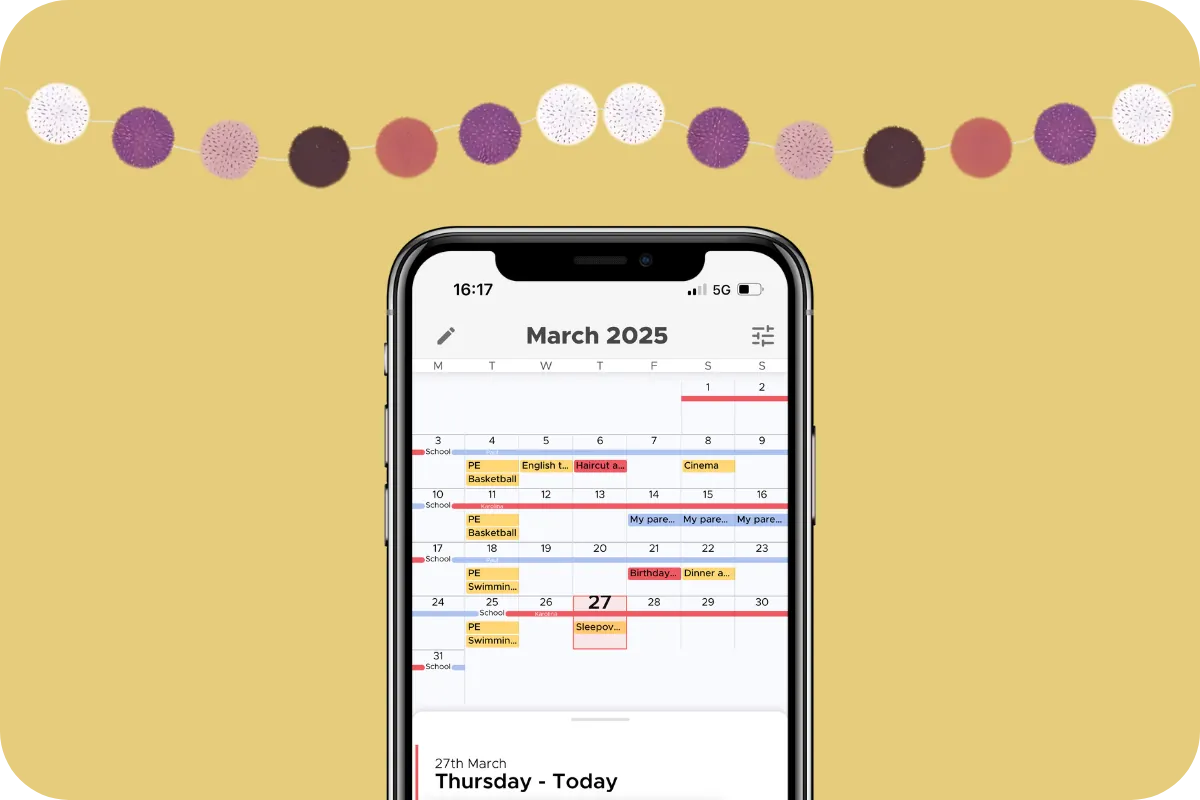
Let the schedule do the talking
Put the arrangement you have landed on into the app. Every common schedule is there as a template – alternating weeks, 2-2-3, 2-2-5-5, every other weekend – and you can build a custom one that follows your agreement exactly.
From then on, neither of you can change it alone: every change is a request the other parent accepts before anything moves, so the calendar always shows what you have both agreed to. School holidays and public holidays fill themselves in, and everyone who needs to know sees updates at once. Nothing to renegotiate, nobody to chase.
Neutral, correct and friendly
That is the tone researchers recommend for a new parenting team: write as colleagues do, about the matter at hand. Few teams start out that way after a dispute – so the app quietly helps.
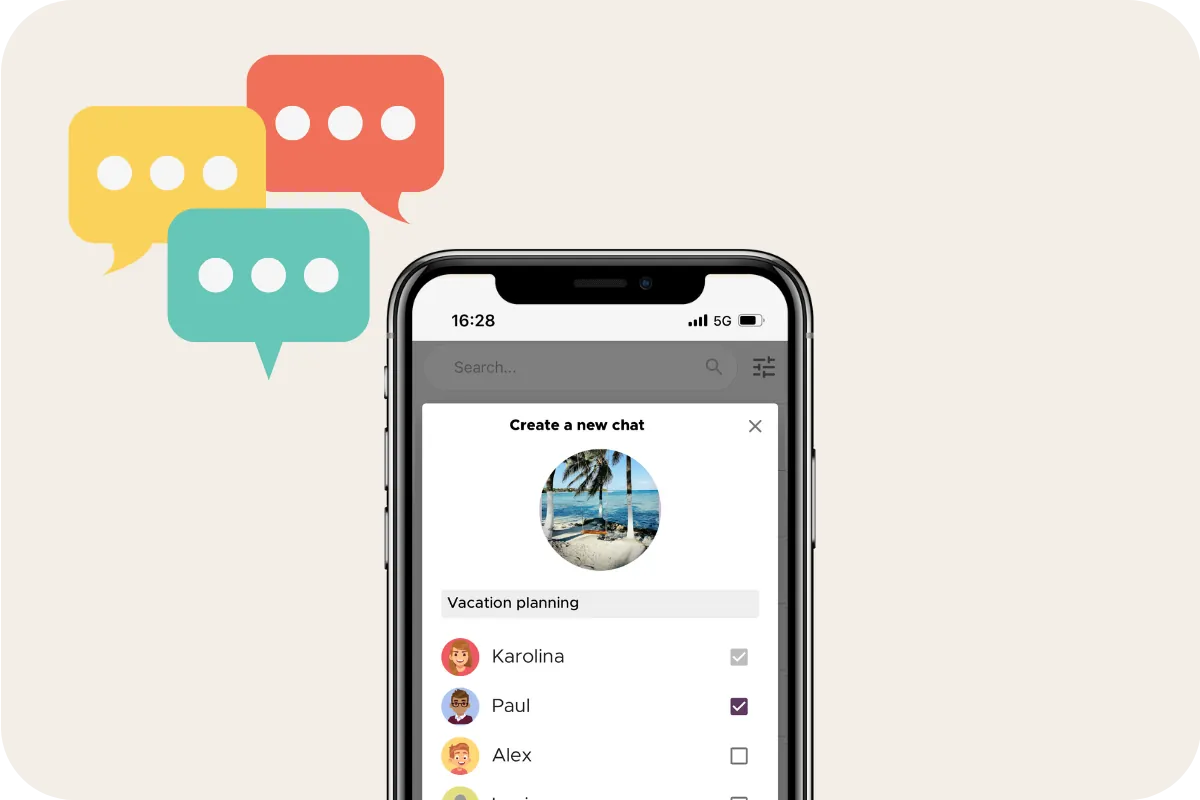
Conversations live in named threads, one topic at a time. Every message passes through TalkSafe, an AI filter that works in both directions: wording that could spark a fight is flagged with a calmer suggestion before it is sent, and the worst never arrives. Read receipts retire “I never got that”, and nothing can be edited or deleted afterwards. Should you ever need it, chat logs and change requests export as a verifiable PDF – most families never do, and that is rather the point.
One subscription. No sides.
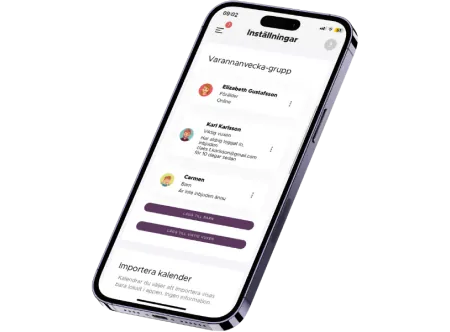
One subscription covers the child's whole family: both parents, the children and the other important adults around them – grandparents, bonus parents, whoever helps out. Only one person pays, and it can be either of you.
There is no administrator role and no owner's advantage. Both parents have exactly the same rights in the app, whoever holds the subscription. The children see the calendar and the lists, never the parents' finances or change requests. After a process with two sides, this is a place with none.
Knowledge for the road ahead
Questions will come up – about handovers, new partners, a child who goes quiet.
In the knowledge library, child psychologist Malin Bergström and family law attorney Elisabeth Scholander write about exactly this stretch of the road:

Getting started takes three steps
Create an account
Download the app using a button on this page – the link brings your extra month with it – and create your account.
Set up the basics
Create a schedule and let AI import the child's times and activities for you.
Invite
Invite the co-parent or another important adult to your group.

Your extra month
Everyone who tries the app gets the first week free. Arriving through this page, you get a month on top – time enough for the new rhythm to stop feeling new before you pay anything. And if the app is not for you, the month simply ends: nothing rolls over into a paid subscription, and there is nothing to cancel.
Did your law firm or mediator hand you this link? Then the month comes with their compliments – a way of saying that what comes next for your family matters to them too. If you found your own way here, it is yours all the same.
Frequently Asked Questions
We have barely spoken except through our lawyers. Is it too soon for a shared app?
No – this is one of the situations the structure is built to handle. Researchers call it parallel parenting: each parent runs their own home, contact stays minimal and predictable, and the schedule, change requests and lists carry the practicalities with almost no free text.
Businesslike is a perfectly good place to start – and “right now” is not forever. Many families loosen the structure as trust returns.
Can we put the schedule from our judgment or settlement into the app?
Yes. All the common arrangements are there as templates – alternating weeks, 2-2-3, 2-2-5-5, every other weekend – and you can build a custom one that matches your document exactly.
A schedule is only a proposal until the other parent accepts it, and school and public holidays are filled in for you.
What stops the old arguments from starting again?
Structure, mostly. Neither of you can change an active schedule alone – every change is a request the other parent has to accept. Every message passes through the TalkSafe filter in both directions, and read receipts settle whether something was seen.
If you ever need the history, chat logs and change requests export as a verifiable PDF – a file that carries proof it has not been edited afterwards.
Do the children get accounts of their own – and what do they see?
Everyone gets a free account under the one subscription – children, grandparents, bonus family. You decide what each person can see, item by item.
The Finance Assistant – where parents log and split the children's costs – and the change requests are visible to the parents only, never to the children.
How do I claim the extra month, and what does it cost afterwards?
Download the app through a button on this page – the link carries the offer, so there is nothing to type in. Your first week is free as it is for everyone, with the extra month on top.
And when the free month ends, nothing happens on its own. No paid subscription starts, so if the app turned out not to be for you, there is nothing to cancel and nothing to remember – you just let it go. If you want to continue, you start the subscription yourself: one covers the whole family, at USD 8.99, GBP 6.99, EUR 8.49, CAD 9.99 or SEK 89 per month.