




About the App
Co-Parenting App Pricing Compared
What OurFamilyWizard, AppClose, TalkingParents and Co-parenting cost in 2026: plan prices, free trials, who has to pay, and what each tier includes.
The note from school is on the fridge door. Point your camera at it, tap the AI — and it's a calendar event, checked by you and shared with everyone who needs it. Here's how the app turns photos, emails and newsletters into events and to-dos.
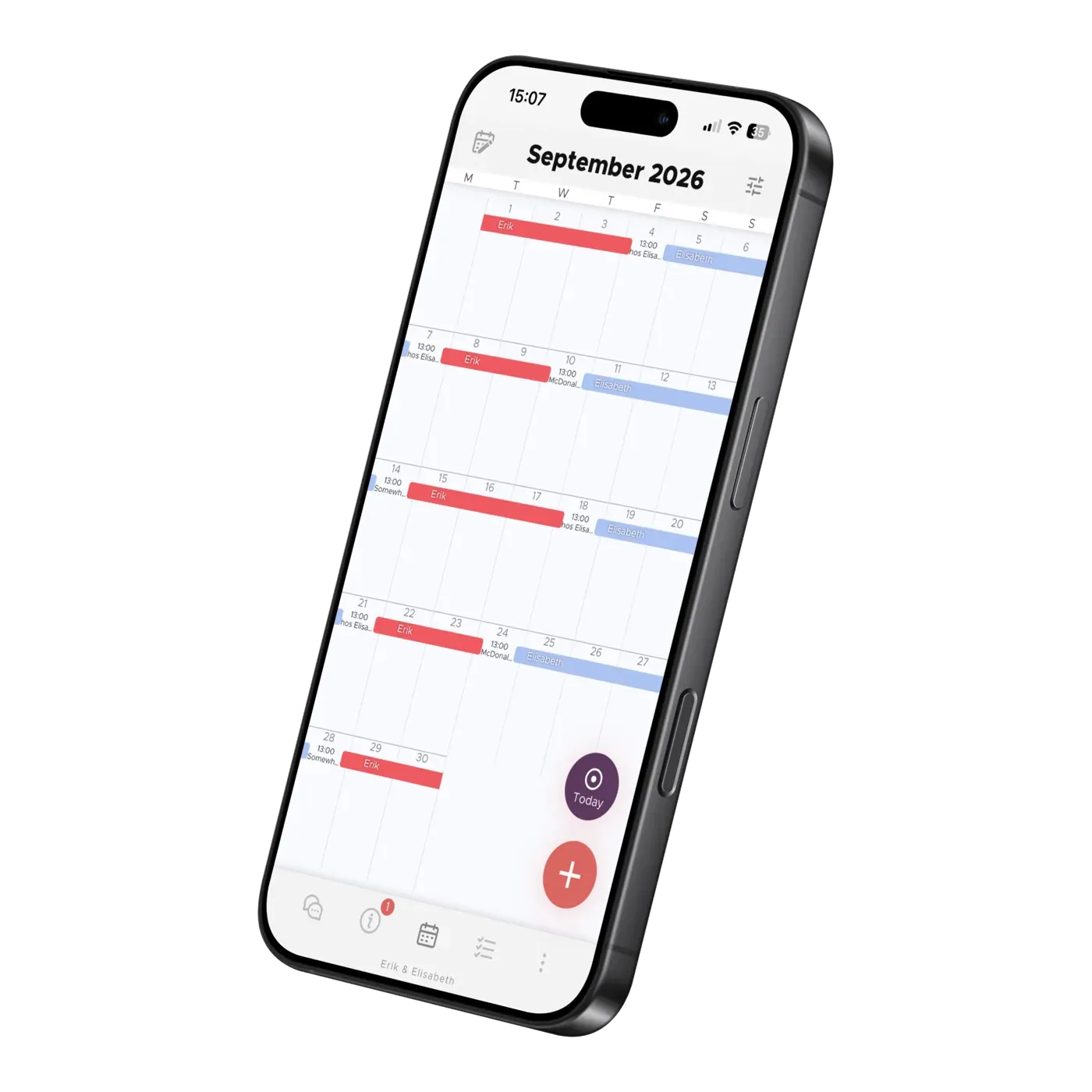
In most families, one parent is the search engine — the one who knows when the game starts, which day is picture day, and when the RSVP is due. Nobody applied for the job; it just settles on someone.
After a separation, it gets heavier. The class newsletter lands in one inbox. The group chat pings one phone. Suddenly every handover between homes comes with a briefing.
The app is built to take that job off a person and give it to the calendar. Feed it whatever arrives — a photo, an email, a newsletter — and the AI turns it into events and to-dos that both homes can see. It proposes, you check, you tap save. Nothing lands in the calendar without your yes.
Photograph a school notice, a party invitation, or the new activity schedule that came home in the backpack. Or upload a screenshot — say, from the class group chat. Then tap the AI.
It picks out the date, time, place, and description, and creates the event for you. You look it over and tap save. Done!
If one picture holds several dates, the AI creates several events at once — a whole soccer schedule can go from paper to calendar in one photo and one review.
Not everything arrives on paper. A lot of it lands in your inbox — school messages, invitations, booking confirmations.
That's why you get a personal email address in the app. Forward a message there, and the content is analyzed automatically and prepared for the calendar. No more copying dates out of an email with your thumbs.
Tell the app which school your child attends, and the AI finds the school's official published calendar on the web and imports the holidays and term dates. Not a generic guess at when fall break usually falls — the dates your child's school actually published.
This works for almost every school across North America, the EU, and Australia. National public holidays are filled in automatically too, based on where you live.
So when you're planning who has the kids over spring break, the break is already in the calendar — before either of you thought to look it up.
Newsletters are where dates go to hide — three paragraphs about the science fair, and halfway down, the day school lets out early.
The AI reads newsletters and school web calendars, finds the dates sitting between the announcements, and turns them into calendar events. A long newsletter becomes a set of events in one go, ready for you to review.
An event is rarely just a date — it usually comes with homework for the grown-ups. So the AI creates the to-dos that belong to the event, too:
The birthday party goes in the calendar — and so does buying the gift.
Through all of this, you stay in charge — the AI drafts, and every event in the calendar is one you said yes to.
And once you've saved, it's saved for everyone. Whatever one person adds is immediately visible to your co-parent, the children, and any other adult you've shared it with — visibility is set per event, so you decide who sees what. The app even shows whether your co-parent has seen it yet, so there's no follow-up text asking, “Did you see the thing about Friday?”
The note can stay on the fridge. The newsletter can stay unread on the counter. Nothing gets typed twice, and no date lives only in someone's head.
Elisabeth Scholander Family law attorney and mediator, specialized in conflict resolution for families
28 August 2026
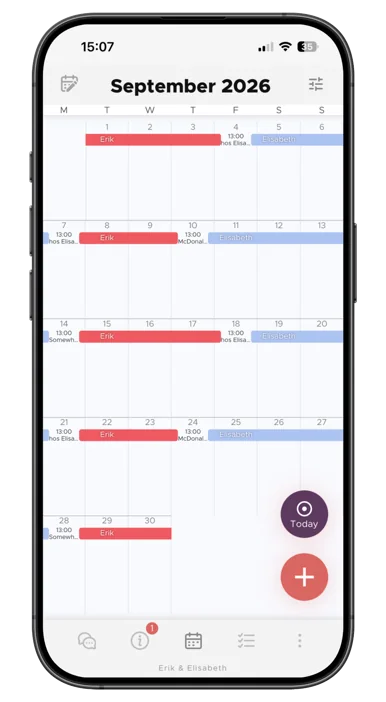
"The turning point came when we found the Co-parenting app. There's less fuss and both of us have a better handle on things. It feels so great!”
"Thank you so much for this app, it has finally gotten us to communicate!”
About the App
What OurFamilyWizard, AppClose, TalkingParents and Co-parenting cost in 2026: plan prices, free trials, who has to pay, and what each tier includes.
About the App
Looking for an OurFamilyWizard alternative? AppClose, TalkingParents and Co-parenting compared on price, who pays and features — and when to stay put.
About the App
Let Co-parenting be your personal secretary. Turn school emails into calendar suggestions and set up automatic forwarding from your inbox.