




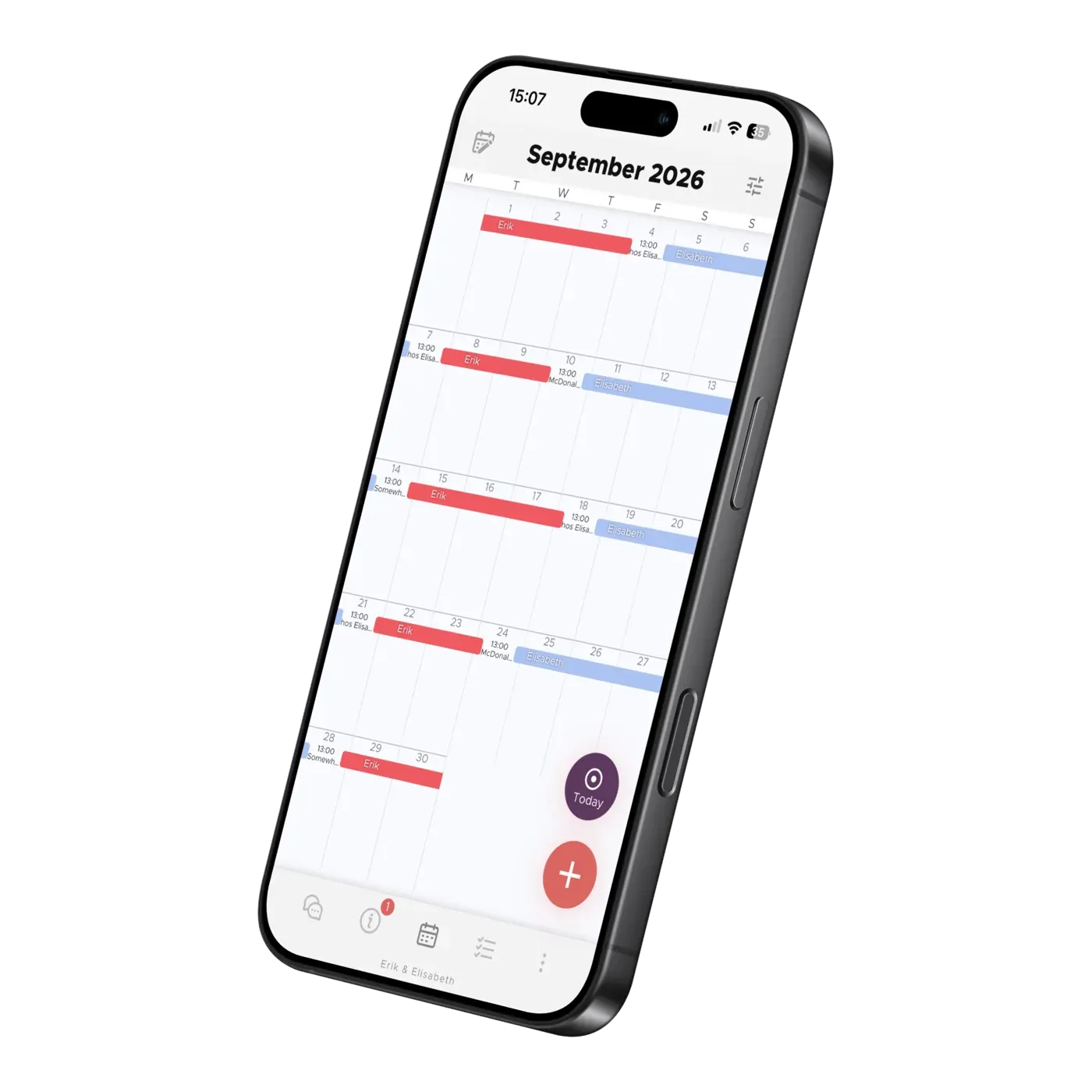
About the App
The Family Calendar That Fills Itself In
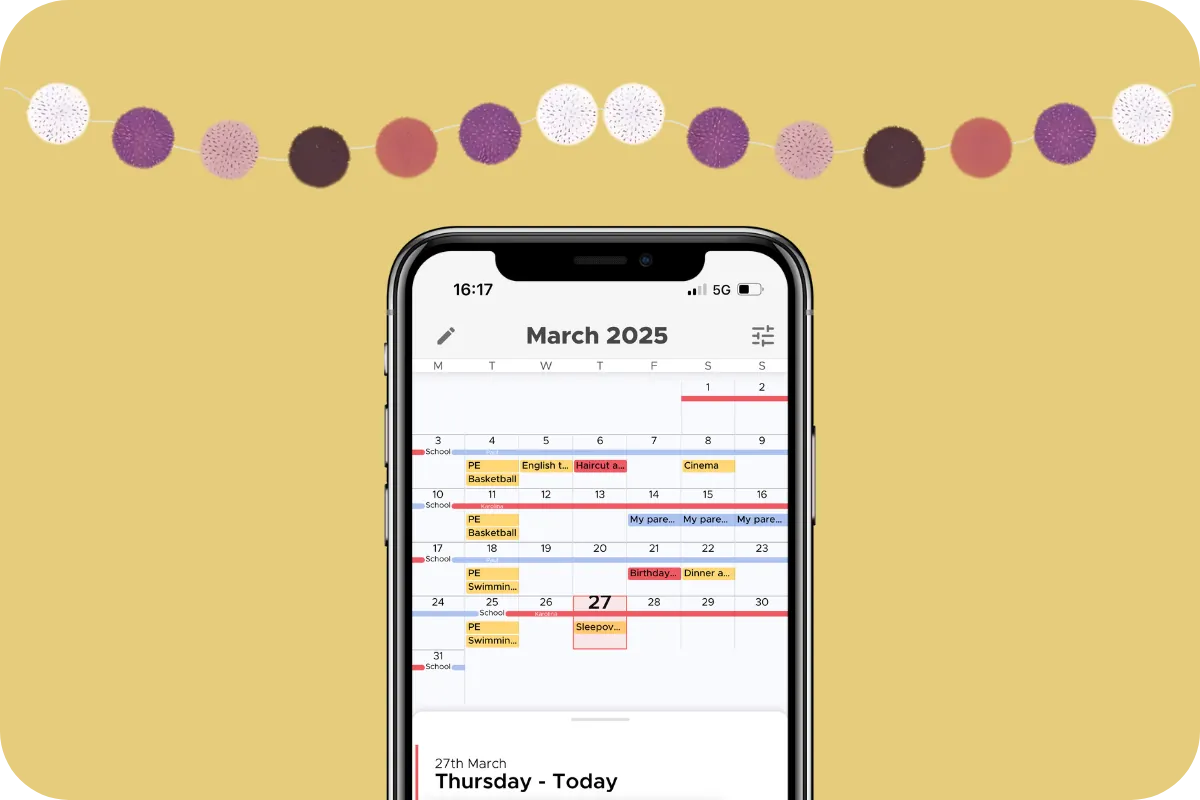
Photograph a school notice, forward an email, or import school term dates — the AI fills in the shared co-parenting calendar while you just check and save.
Life in two homes can be tough for children and parents alike. Images & Child Info makes it easier to share your child's everyday life and joyful moments — and right next to them, Accounts keeps the whole family's login details in one place.
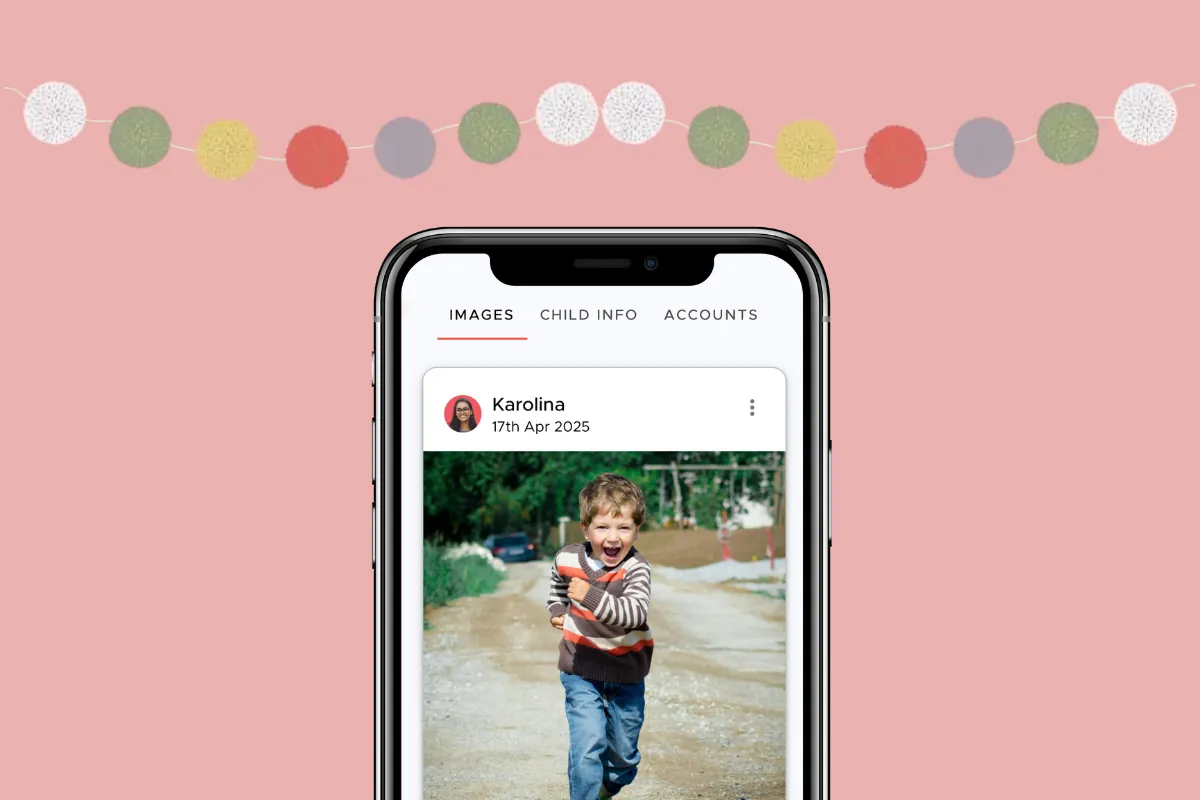
Images works much like Instagram: a feed where you post pictures from your child's everyday life. Maybe it's the first day of school, photos from the Lucia celebration, or the high ropes course that was terrifying at first and became a proud achievement once conquered. Sharing pictures now and then, and giving a glimpse into daily life, can be soothing for the co-parent when the longing is strong.
"I missed Greta so much when she was with her dad at first. But then we decided to share pictures from our weeks with her, and it calmed everything down. I saw that she was happy and doing well, and I could focus on other things. The feed becomes like a lovely album of her life."
- Annika, 36
If you have invited other important adults into the app, they can also see the pictures, like, and comment. Older relatives like grandparents often appreciate the updates a little extra, especially when the child's family is spread out geographically. That way, no relative the child (or you parents) needs to stay in touch with is ever left out.
Enter and share all the essential, recurring information about your child:
Best of all: when you update Child Info, your co-parent sees the new information too. If your child gets a TBE (tick-borne encephalitis) vaccine, for example, you can both check when it's time to book the booster. So smart!
Being well-informed shrinks the distance and builds closeness faster. It also gives grandma and grandpa peace of mind — they arrive better prepared for babysitting.
"It's so nice to be able to check the app instead of calling my ex to ask for info. That's how it was before, and it always made me feel like a failure. It's great to avoid that — and to finally come home with the right shoes for our son!"
- Anders, 41
To the right of Child Info you'll find Accounts. Here you can quickly enter details for the accounts your child uses, like usernames and passwords for Disney+ or Netflix.
As soon as you add or update something, the change shows up in the app right away.
It's incredibly convenient not to have to call and ask, or dig through old emails to reset passwords! You also get a clear overview of the accounts you're paying for. Maybe it's smart to pause a few subscriptions over the summer and save some money? Thanks, app!
Elisabeth Scholander Family law attorney and mediator, specialized in conflict resolution for families
27 August 2026
"The turning point came when we found the Every Other Week app. There's less fuss and both of us have a better handle on things. It feels so great!”
"Thank you so much for this app, it has finally gotten us to communicate!”
About the App
Photograph a school notice, forward an email, or import school term dates — the AI fills in the shared co-parenting calendar while you just check and save.

About the App
How do families in Sweden live every other week? Read our report on shared custody: background, regional differences, and family finances. In Swedish.
About the App
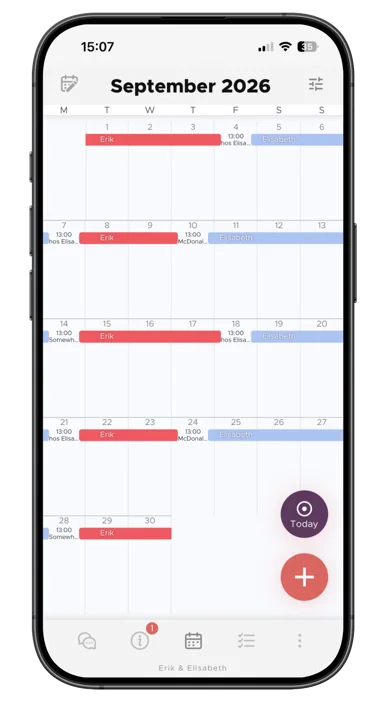
See the whole month at a glance, build your child's living schedule, and keep both homes in sync. How the Co-parenting shared calendar works.