




About the App
How to Import Emails into Your Family Calendar
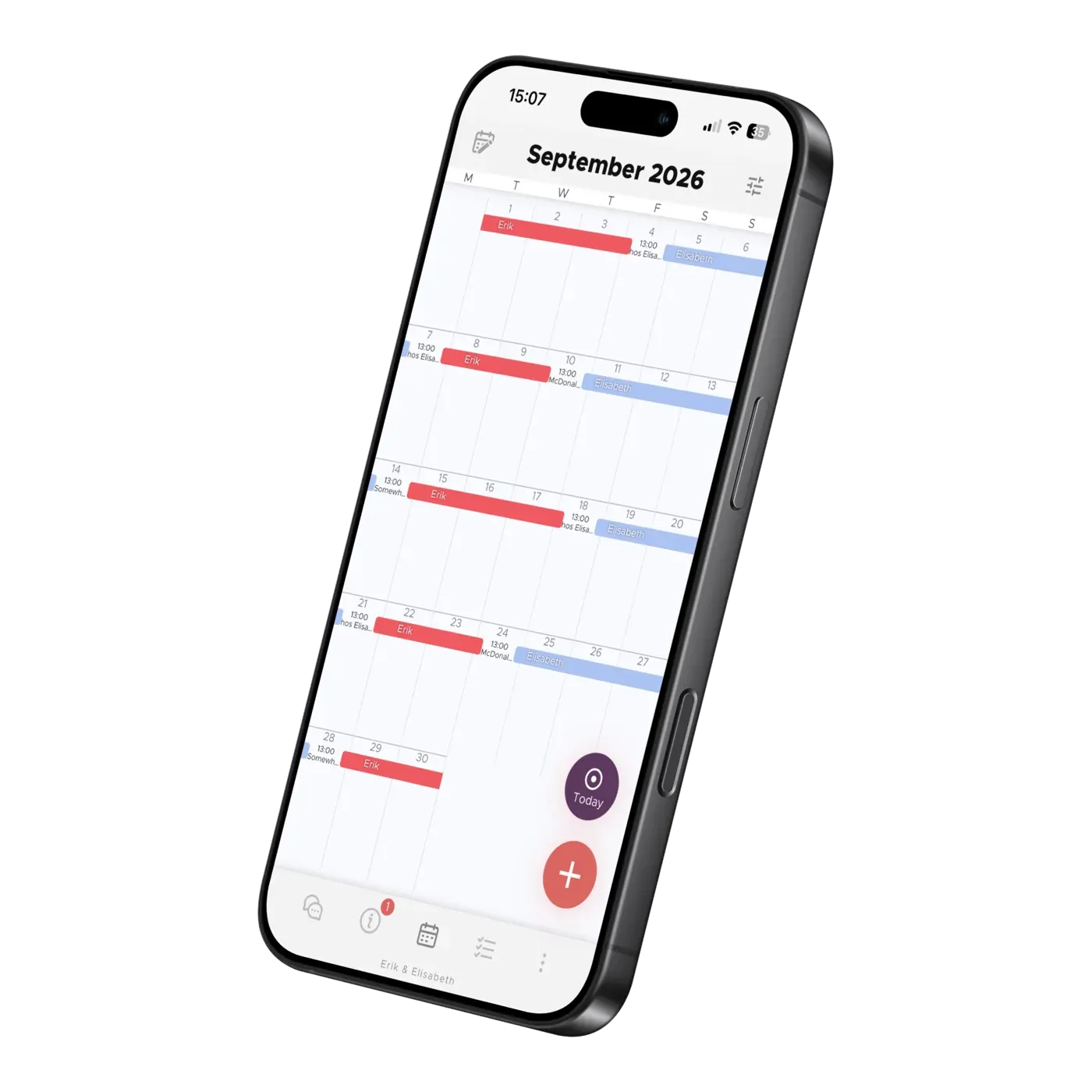
Let Co-parenting be your personal secretary. Turn school emails into calendar suggestions and set up automatic forwarding from your inbox.
Tell Co-parenting which school your children attend, and the app’s AI searches the web for school holidays, term dates and other days off for you. You don’t have to look them up yourself: the dates it finds are added to your shared family calendar, so both homes can plan ahead.
Depending on the information available, this can include school holidays, the first and last day of term, and staff training or other days when children are off school.
Import one school at a time, selecting the children who attend it. When adding another school, leave Keep previously imported school holidays ticked so the dates from the first school stay in the calendar. Both parents can then plan around each child’s school dates in one place.
You’ll receive a message in the app with the sources used. Check the imported dates against the school’s own information; some dates may not have been published yet.
If something is missing, you can add it yourself or take a screenshot of the school’s calendar and share it using the purple AI button in the calendar. Read more about adding activities from a photo.
23 October 2026
About the App
Let Co-parenting be your personal secretary. Turn school emails into calendar suggestions and set up automatic forwarding from your inbox.

About the App
Learn how TalkSafe scores messages, suggests rewrites and blocks very toxic wording, what strict mode changes, and why your setting stays private.
About the App
Photograph a school notice, forward an email, or import school term dates — the AI fills in the shared co-parenting calendar while you just check and save.