




About the App
The Family Calendar That Fills Itself In
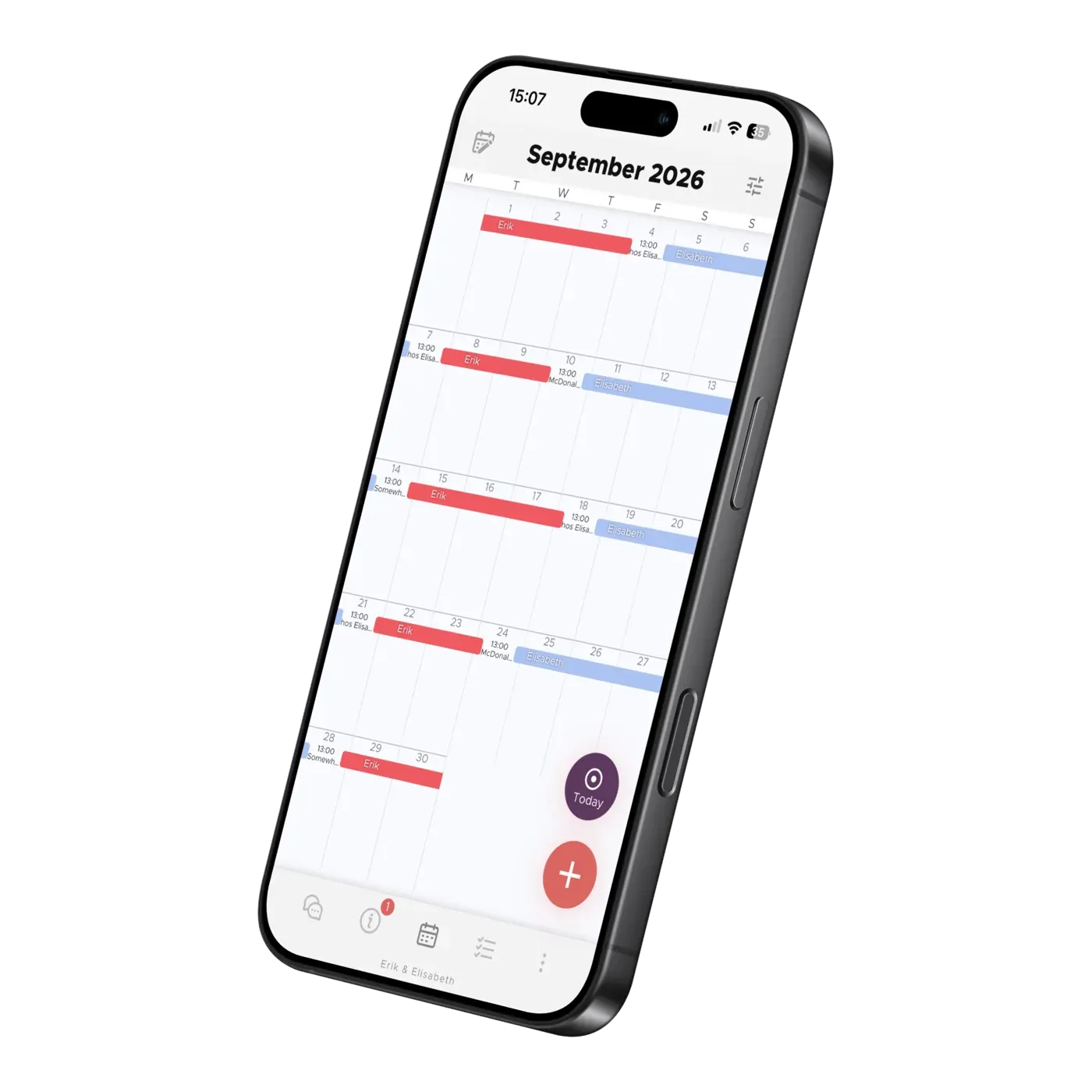
Photograph a school notice, forward an email, or import school term dates — the AI fills in the shared co-parenting calendar while you just check and save.
TalkSafe helps you pause before sending a message that could escalate a conflict. Here is what the filter checks, when you can still send a message, and what changes when you turn on the stricter AI filter in Settings.
When you send a chat message, TalkSafe uses AI to assess how hostile or hurtful the wording is towards the recipient. It assigns a toxicity score from 0 to 100: a lower score means less toxicity, and a higher score means more. It looks at the meaning and tone, including insults, belittling, sarcasm and threats, rather than just checking for swear words.
The score is an assessment of the message, not a judgement of you as a parent. You can disagree, express frustration and set boundaries. The filter allows some sharp or mildly toxic wording; it does not require every message to sound perfectly friendly.
The other parent does not receive a blocked message or see the rewrite suggestion shown to you. They see the version that is actually sent.
Turning on the stricter AI filter in Settings lowers both the warning and blocking thresholds. Wording that would pass at the standard level may trigger a warning, and wording that would only get a warning may be blocked. This gives the chat less tolerance for toxic language.
The stricter level applies in both directions: to messages you send and messages you receive. It is enough for one participant in the chat to enable it. Turning your own setting off does not disable TalkSafe, and the stricter level still applies if another participant has it enabled.
The other parent cannot see whether you have turned the stricter filter on or off. Your chosen setting is not displayed to them, and the app does not identify who enabled the stricter level.
The assessment is automated. The AI processes the text to assess its tone and suggest a rewrite. If you contact us about a message you believe was wrongly blocked, we can look into it. You can read more in our privacy policy.
AI can misunderstand wording or context. If a message is flagged, try making the practical request clearer and removing personal remarks. You can also read our general article about TalkSafe and toxic language.
16 October 2026
About the App
Photograph a school notice, forward an email, or import school term dates — the AI fills in the shared co-parenting calendar while you just check and save.
About the App
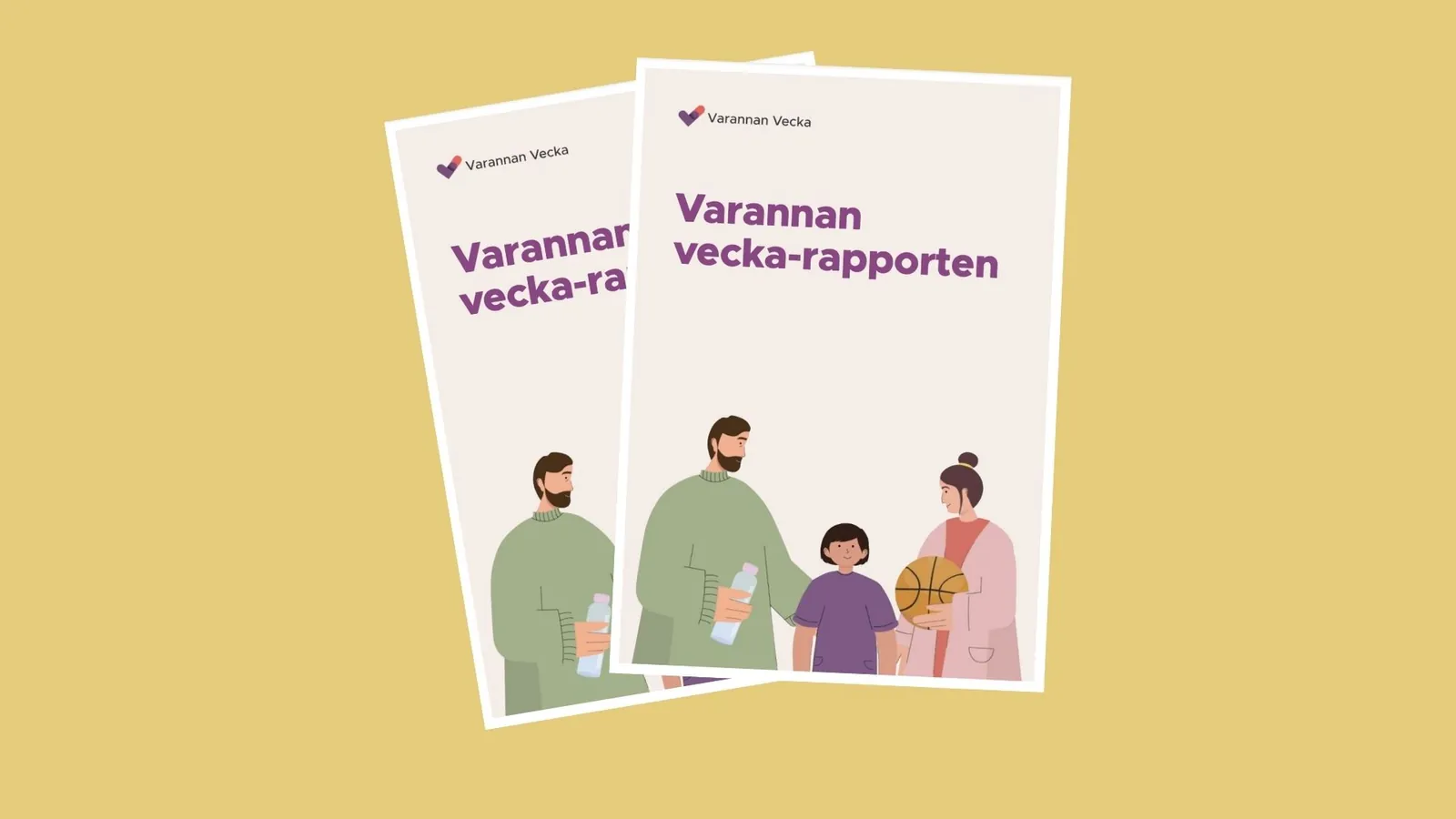
How do families in Sweden live every other week? Read our report on shared custody: background, regional differences, and family finances. In Swedish.
About the App
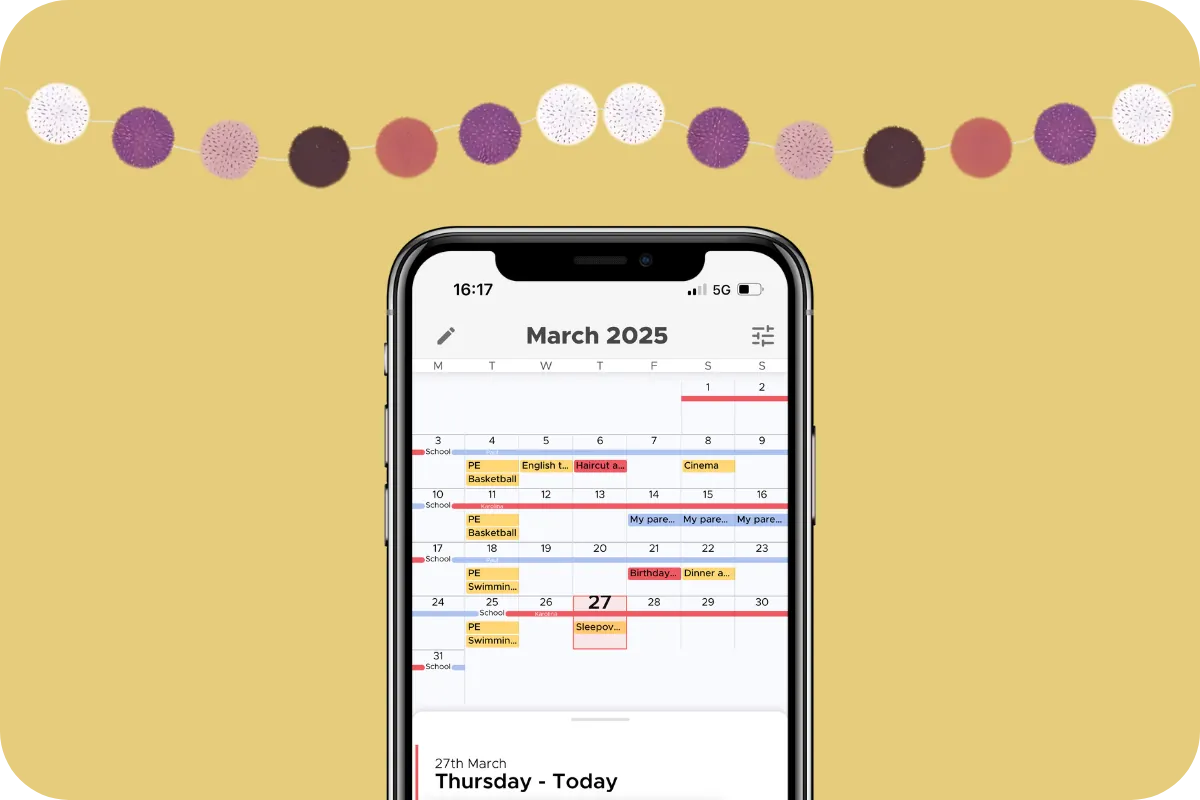
See the whole month at a glance, build your child's living schedule, and keep both homes in sync. How the Co-parenting shared calendar works.