




About the App
How to Import Emails into Your Family Calendar
Let Co-parenting be your personal secretary. Turn school emails into calendar suggestions and set up automatic forwarding from your inbox.
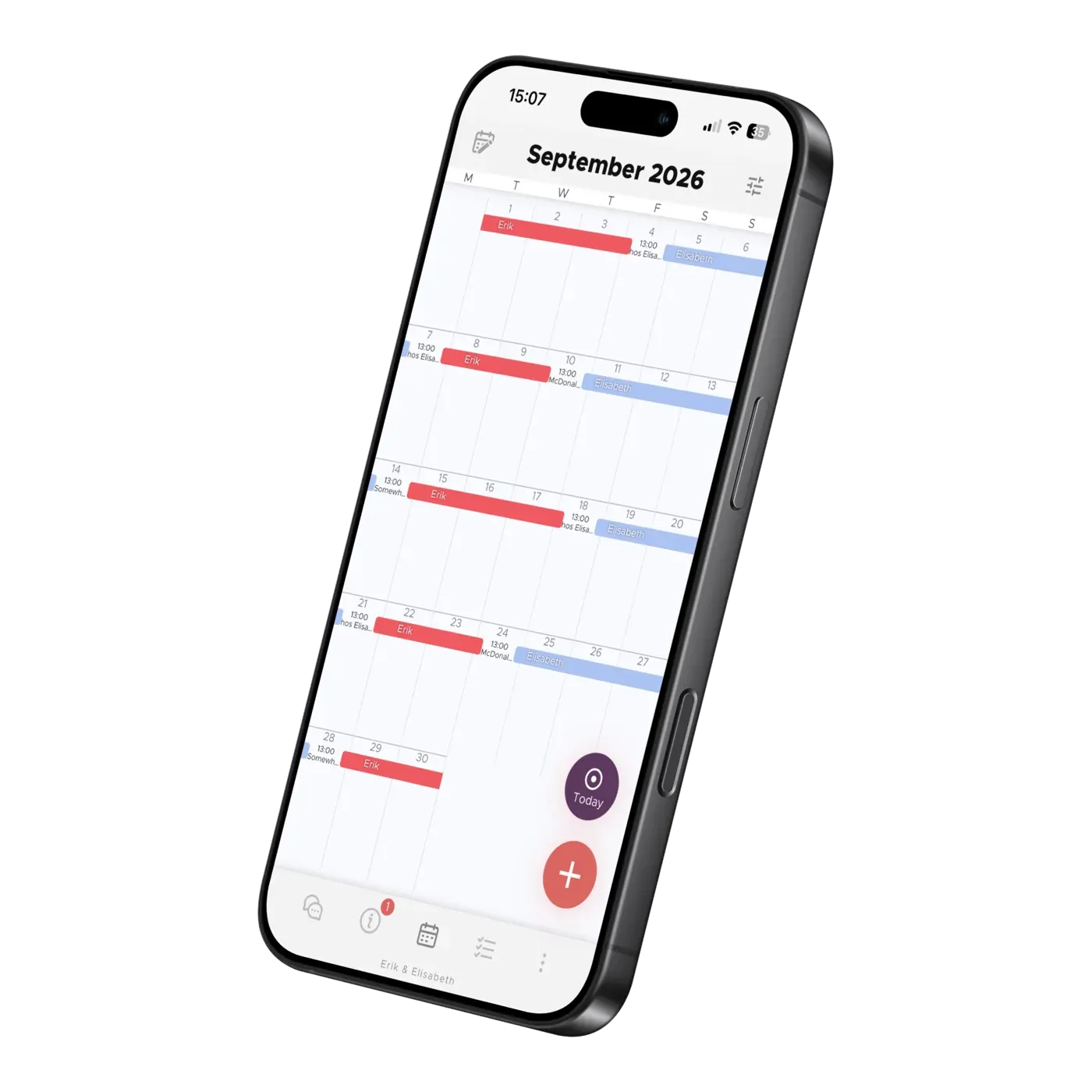
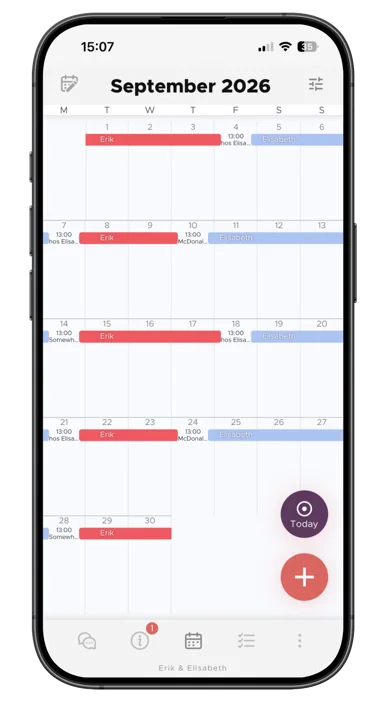
One calendar for the whole family: see the entire month at a glance, then swipe up for today's activities and reminders. Each person has their own color, and you decide who sees what.
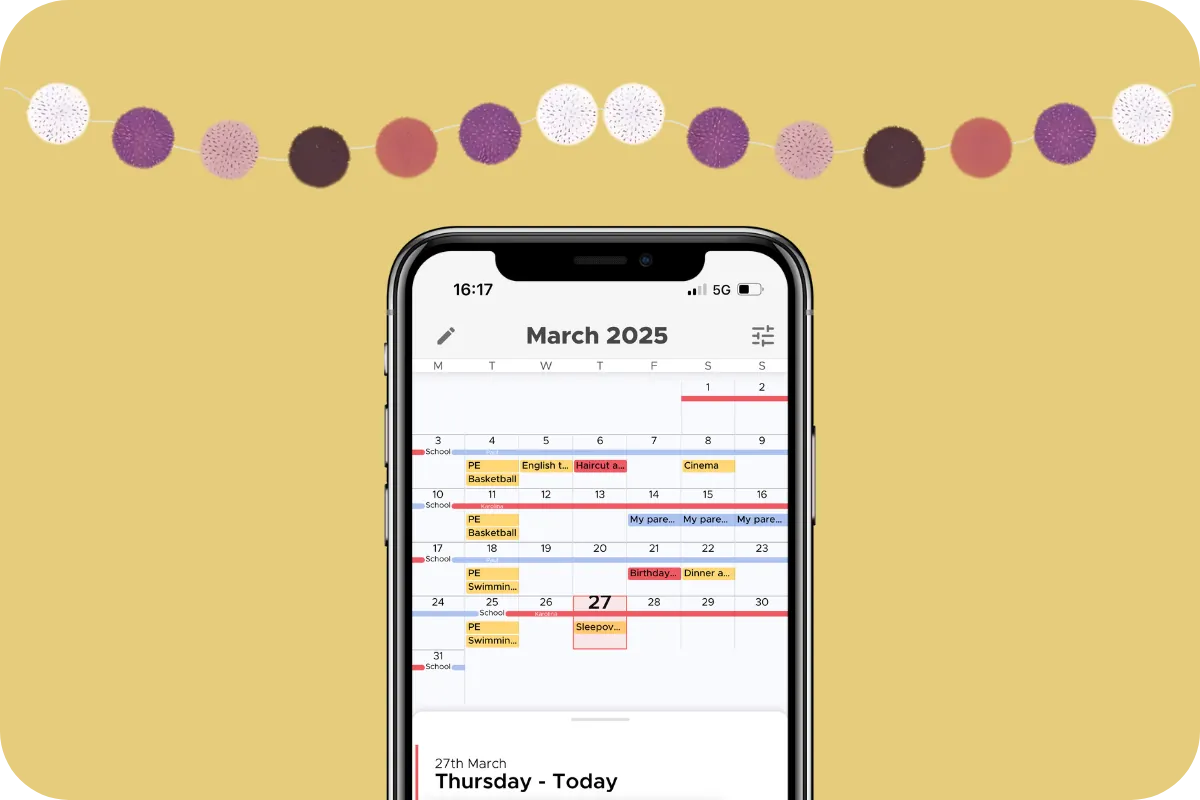
The calendar gives you a view you won't find anywhere else: the whole month on one screen, with today's activities and important reminders just a swipe up away. Each person has their own color (assigned by the app for now). By default everyone in the group sees everything, but every activity has its own visibility setting — so you can also add things that are just for you. The calendar even syncs both ways with your phone's calendar: bring your own appointments in, push the app's calendar out, or both. National public holidays are added automatically based on where you live, and your children's actual school holidays can be imported for almost every school across North America, the EU, and Australia.
We designed the app around children's schedules and needs, so the foundation of the calendar is your child's living schedule. If you don't have one yet, you'll see "Create Schedule" in the top left corner of the calendar.
The app supports every kind of arrangement, with templates for the common ones — alternating weeks, 2-2-3, 2-2-5-5, every other weekend — as well as fully custom schedules. That covers children who alternate between their parents and children who live with one parent and see the other on evenings or weekends. If you have more than one child with different living arrangements, you can set up a schedule for each.
A schedule is only a proposal until your co-parent accepts it, and neither of you can change an active schedule on your own. To suggest a change, tap the pencil icon in the top left corner of the calendar — it goes to the other parent as a request, and takes effect once they accept. That way, what you see in the calendar is always what you've both agreed to.
Got a party invitation or a note from school? Take a picture of it and tap the AI, which analyzes the image and creates a new activity from the details. Review it, tap save, and voila — everything is in the app.
The AI can even create several activities at once, such as one for the party and another for the RSVP deadline. It all depends on what's in the picture. So convenient!
And photos are just the start — the AI also reads forwarded emails, newsletters, and your school's own holiday dates. See The Family Calendar That Fills Itself In.
No picture? Tap the plus below the AI option and enter the details yourself — time, location, reminders, and so on. It takes a little longer, but it's the way we've always done it.
For any activity, you can choose "recurring" and set start and end dates. You can also add reminders as needed, either for yourself or for the children.
As for who sees what: by default, an activity is shared with everyone, but you can make one visible only to you. Go to New Activity > More Options > Visible to and deselect anyone who shouldn't see it. Their avatar turns gray — only the colorful avatars can see the activity.
If you create an activity for your child, the child’s avatar appears on the activity itself and to the right until they’ve viewed it. Once your child has seen it, the avatar on the right disappears — so you always know what’s been noticed.
Elisabeth Scholander Family law attorney and mediator, specialized in conflict resolution for families
28 August 2026
"The turning point came when we found the Co-parenting app. There's less fuss and both of us have a better handle on things. It feels so great!”
"Thank you so much for this app, it has finally gotten us to communicate!”
About the App
Let Co-parenting be your personal secretary. Turn school emails into calendar suggestions and set up automatic forwarding from your inbox.
About the App
Add school holidays and term dates to your shared family calendar. Learn how to import dates for children at different schools in Co-parenting.

About the App
Learn how TalkSafe scores messages, suggests rewrites and blocks very toxic wording, what strict mode changes, and why your setting stays private.