




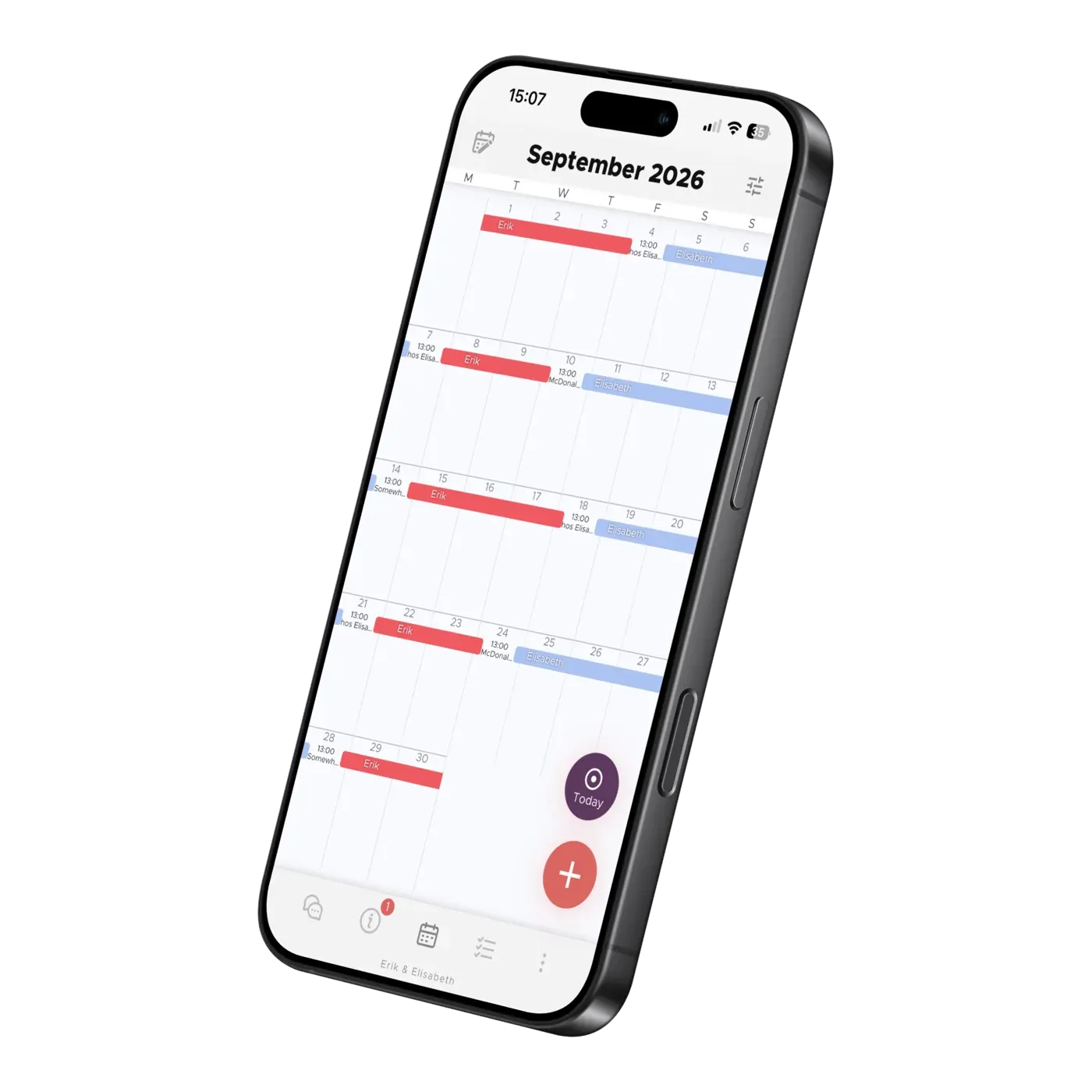
About the App
How to Import Emails into Your Family Calendar
Let Co-parenting be your personal secretary. Turn school emails into calendar suggestions and set up automatic forwarding from your inbox.
We hope you're happy with the app, but we understand there may be reasons to cancel. Here's how to cancel your subscription through Apple or Google Play, step by step — and how to delete your account.

Your subscription is billed through the App Store or Google Play, so canceling always happens there — never inside the app itself. Note that deleting your account does not stop billing: if you want to stop paying, cancel the subscription first.
Apple's support site has more detail on managing and canceling subscriptions.
Google Play's help pages have more detail on managing and canceling subscriptions.
Your account and all associated information are now deleted. We keep your information for six months, and during that time you can restore your account. Information you have shared with others stays in their accounts — deleting your account does not affect theirs. Remember: deleting your account does not cancel your subscription, so cancel it through the App Store or Google Play as described above.
Elisabeth Scholander Family law attorney and mediator, specialized in conflict resolution for families
27 August 2026
"The turning point came when we found the Co-parenting app. There's less fuss and both of us have a better handle on things. It feels so great!”
"Thank you so much for this app, it has finally gotten us to communicate!”
About the App
Let Co-parenting be your personal secretary. Turn school emails into calendar suggestions and set up automatic forwarding from your inbox.
About the App
Add school holidays and term dates to your shared family calendar. Learn how to import dates for children at different schools in Co-parenting.

About the App
Learn how TalkSafe scores messages, suggests rewrites and blocks very toxic wording, what strict mode changes, and why your setting stays private.