




About the App
How to Import Emails into Your Family Calendar
Let Co-parenting be your personal secretary. Turn school emails into calendar suggestions and set up automatic forwarding from your inbox.
Welcome to Co-parenting! Here's a quick overview of how the app works and how to get the most out of it.
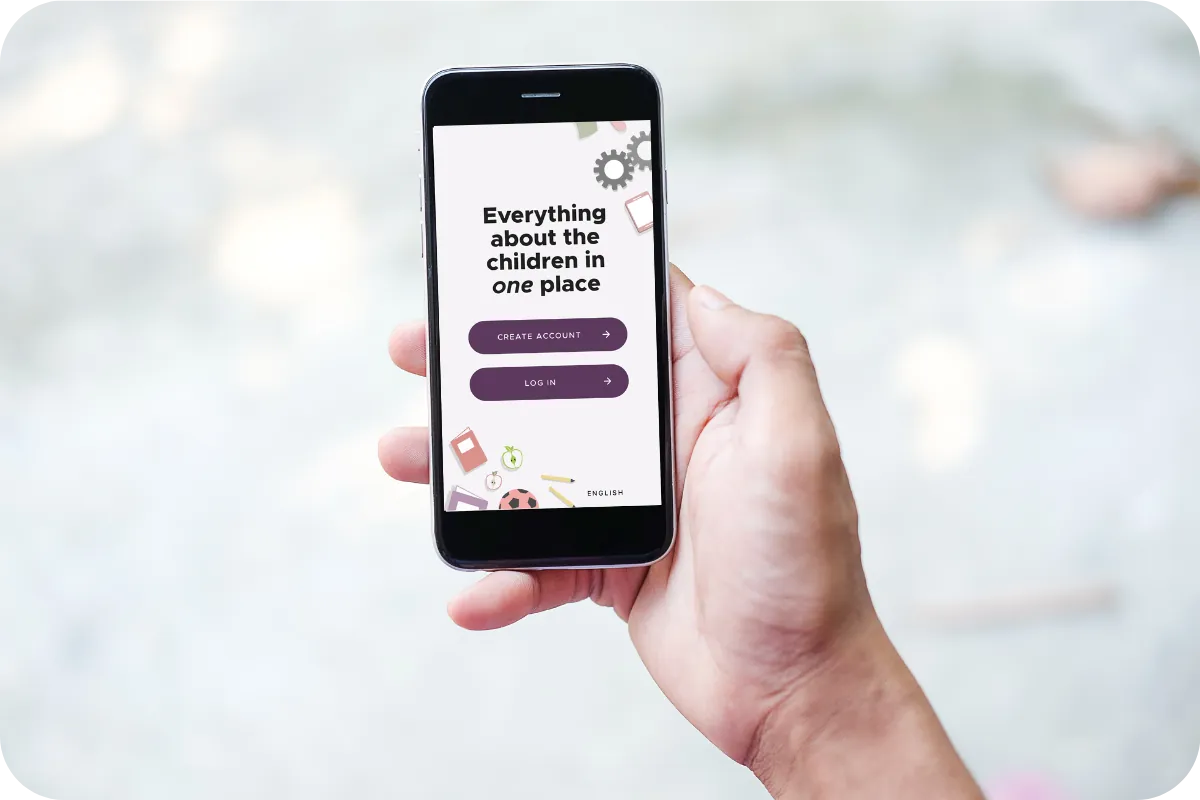
The app is a digital hub for everything related to your children after a separation. It works for all types of living arrangements. One subscription covers the whole family: each family member has their own account, only one person pays, and everyone else joins for free. There is no administrator role, and no one owns the information — a setup that encourages truly shared parenting. Together!
The app's purpose is to make planning and sharing information simple — and to reduce potential triggers if there has been conflict in the past. The tools are designed so that shared information automatically reaches the co-parent through the app. No more reminders or prompts needed. How convenient!
Are you the first one in? Download the app from the App Store or Google Play (there's a web version, too) and create an account. Then invite your co-parent to join.
Have you received an invitation? Click the link in the email or text message from Co-parenting and create your account. If you prefer to download the app first, that works as well: choose "I received an invitation," enter the code from the email or text message, and create your account.
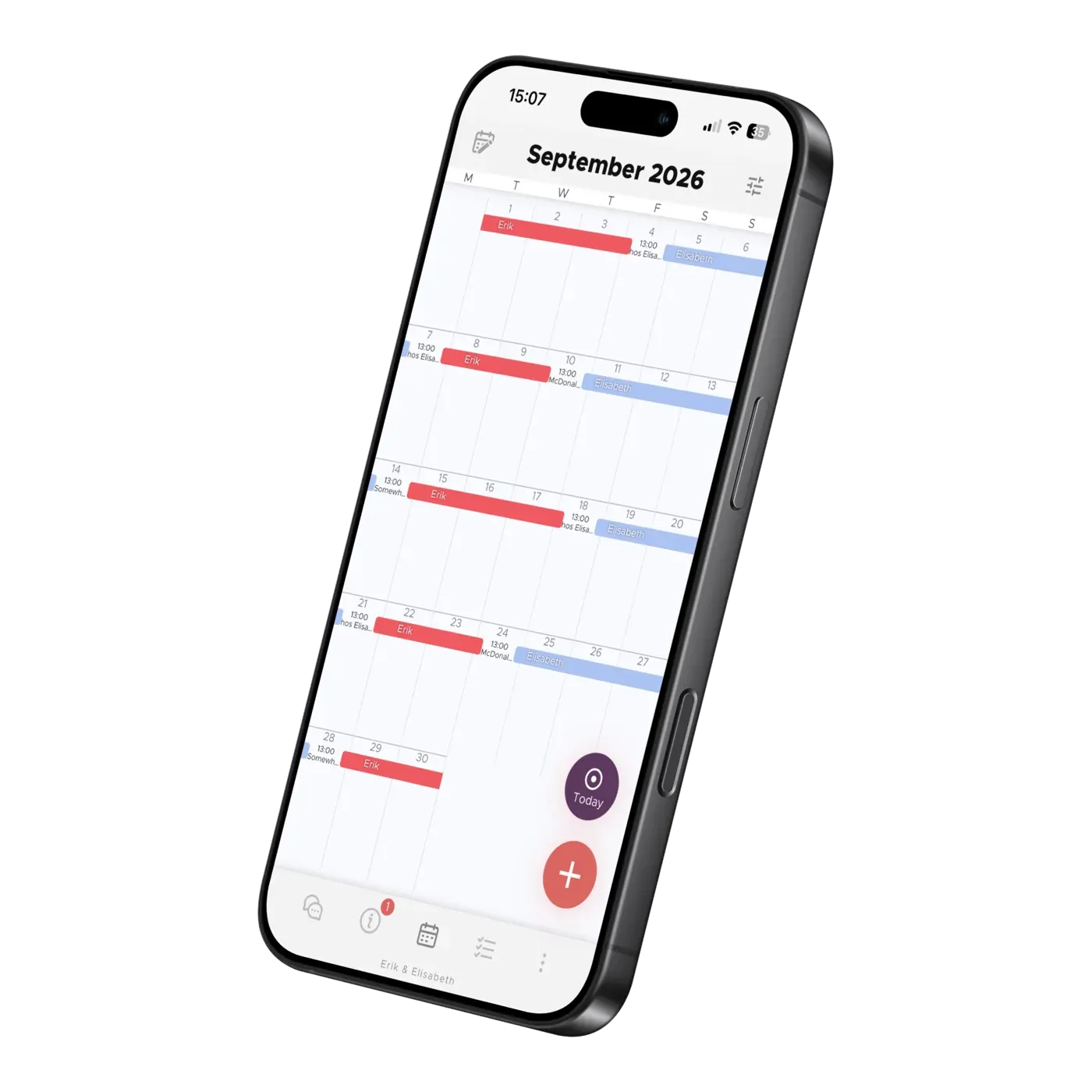
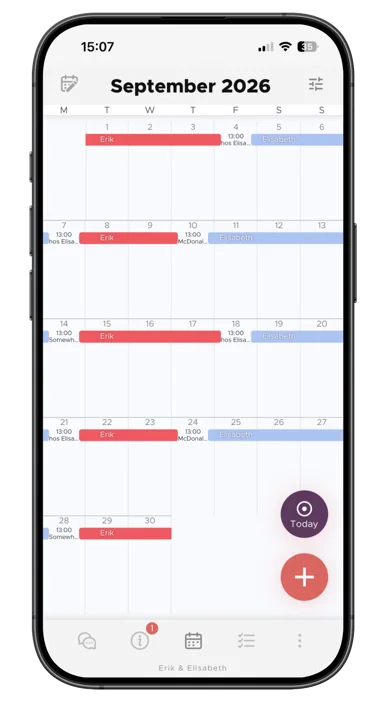
Once you're set up, head over to the Calendar and put in the children's living arrangements and activities. Setup takes about twenty minutes — and instead of typing everything in, you can let the AI read in the children's times and activities, while school and public holidays are filled in automatically. Co-parent not on board yet? The app works fully with one parent alone; your changes are approved automatically until they join.
Now you're free to explore the app fully!
We've gathered detailed information about all the tools in the app in our articles. There you can learn more about the Calendar, Photos & Child Info, Chat, Lists & To-Dos, Finance Assistant and Knowledge.
Elisabeth Scholander Family law attorney and mediator, specialized in conflict resolution for families
27 August 2026
"The turning point came when we found the Co-parenting app. There's less fuss and both of us have a better handle on things. It feels so great!”
"Thank you so much for this app, it has finally gotten us to communicate!”
About the App
Let Co-parenting be your personal secretary. Turn school emails into calendar suggestions and set up automatic forwarding from your inbox.
About the App
Add school holidays and term dates to your shared family calendar. Learn how to import dates for children at different schools in Co-parenting.

About the App
Learn how TalkSafe scores messages, suggests rewrites and blocks very toxic wording, what strict mode changes, and why your setting stays private.